 PocketSEO
New site? Your HTML sitemap matters more than your XML one

Dave Quaid - SEO @DavidGQuaid
Key Takeaway
For new, low-authority websites, an HTML sitemap is more effective than an XML sitemap at getting pages crawled and indexed. XML sitemaps signal URLs to Google but do not pass PageRank or guarantee frequent crawls. An HTML sitemap creates real internal links that Googlebot follows on every visit, fixes orphan pages, and distributes crawl equity across the site. Build and link to the HTML sitemap from your footer first, then set up the XML sitemap as a secondary support measure.
Why does an HTML sitemap matter more for new, low-authority sites?
Most SEOs set up an XML sitemap, submit it to Google Search Console, and call it done. That's fine for established sites. For a brand-new site with little to no authority, it's the wrong priority.
An XML sitemap is a signal to Google — it tells crawlers which URLs exist. But Google still needs a reason to follow and index those URLs. On a low-authority site with few backlinks and minimal crawl budget, Googlebot visits infrequently and may not act on your XML sitemap for weeks.
An HTML sitemap solves a different problem: it creates real internal links that crawlers can follow during any visit to your site.
How does an HTML sitemap actually help with crawling?
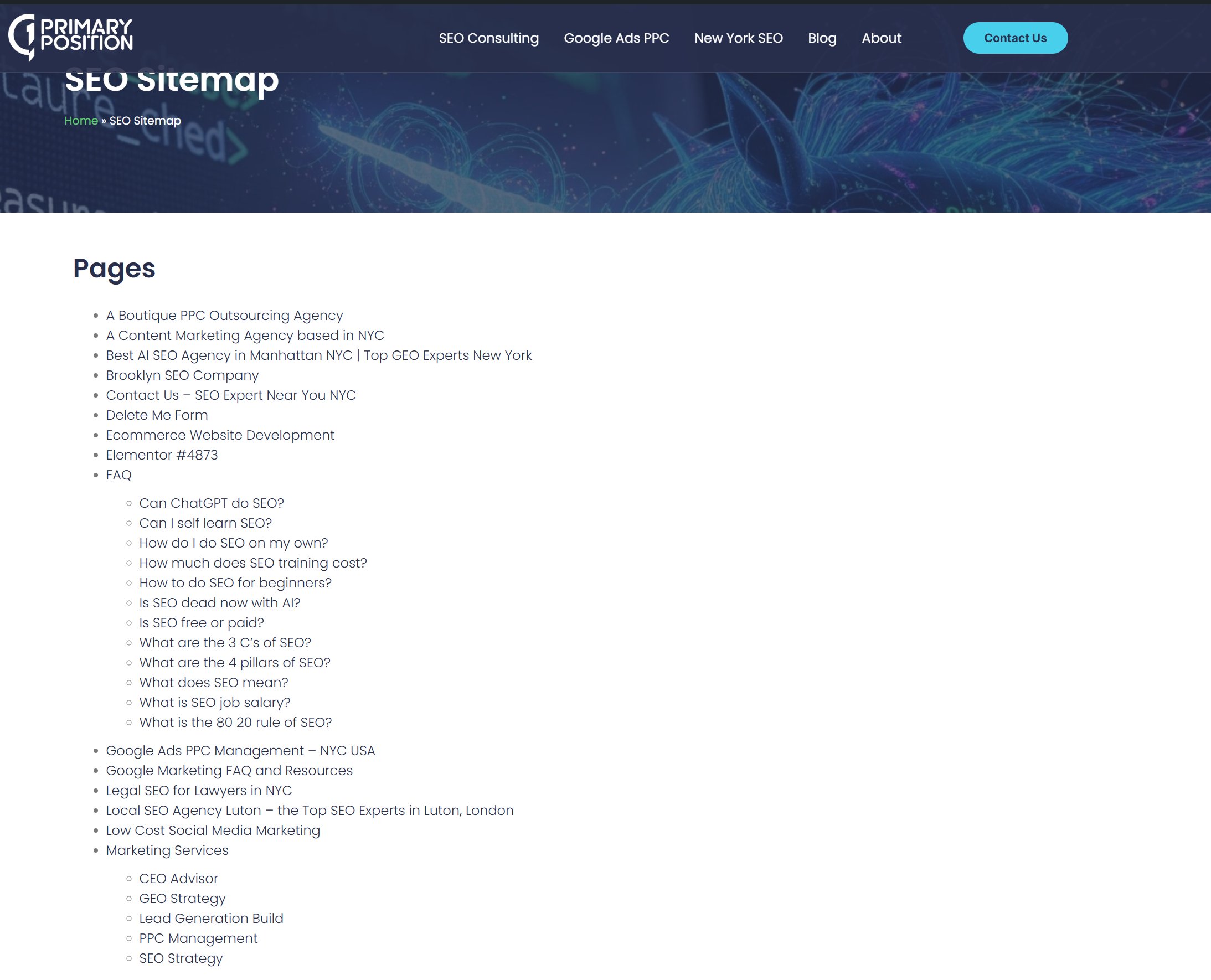
When Googlebot lands on your homepage, it follows links in the page's HTML. An HTML sitemap — a regular page on your site with links to every other important page — acts as a crawl highway. Every time Google hits that one page, it can reach your entire site in a single hop.
This matters because:
- Internal links pass PageRank, even small amounts. XML sitemaps do not.
- A new site's homepage often has the most crawl authority. Linking from there to an HTML sitemap multiplies that reach.
- Orphan pages (pages with no internal links pointing to them) are common on new sites. An HTML sitemap fixes that immediately.
According to Google's own crawling documentation, Googlebot discovers URLs primarily through links found on pages it already knows — not just through sitemap files.
What should you actually do?
- Build the HTML sitemap first. Create a
/sitemap/or/site-map/page that links to every key section and page on your site. - Link to it from your footer. Footer links appear on every page, giving the HTML sitemap consistent crawl signals across your entire domain.
- Keep it clean. Only link to indexable, canonical URLs. Skip parameter URLs, pagination, or pages you've marked noindex.
- Then set up the XML sitemap. Submit it in Search Console as normal. The two work together — but the HTML sitemap does more heavy lifting early on.
Does this mean XML sitemaps are useless for new sites?
No. Set up your XML sitemap anyway — it takes minutes and costs nothing. But don't assume submitting it means Google will crawl your site quickly. On a new domain, crawl budget is tight and trust is low.
The HTML sitemap is something crawlers can act on immediately, every visit, without needing to check a separate file. For a site trying to get its first 20 or 50 pages indexed, that difference is real.
Once your site gains authority and earns more frequent crawls, the XML sitemap becomes more valuable. Think of the HTML sitemap as the foundation you build on while you're getting there.
 Get the weekly SEO digest