 PocketSEO
Boost Shopify PageSpeed 10-20 Points with One Simple Image Fix
Reviewed Jul 2026
Key Takeaway
Add loading="lazy" to every below-the-fold Shopify image so browsers load only visible ones, cutting initial load time and lifting PageSpeed scores.
The Problem
Most Shopify stores load every image immediately when a page loads, even images users can't see. This kills your PageSpeed scores and hurts conversions.
The fix? Add one simple attribute to your image tags.
The Solution: Lazy Loading
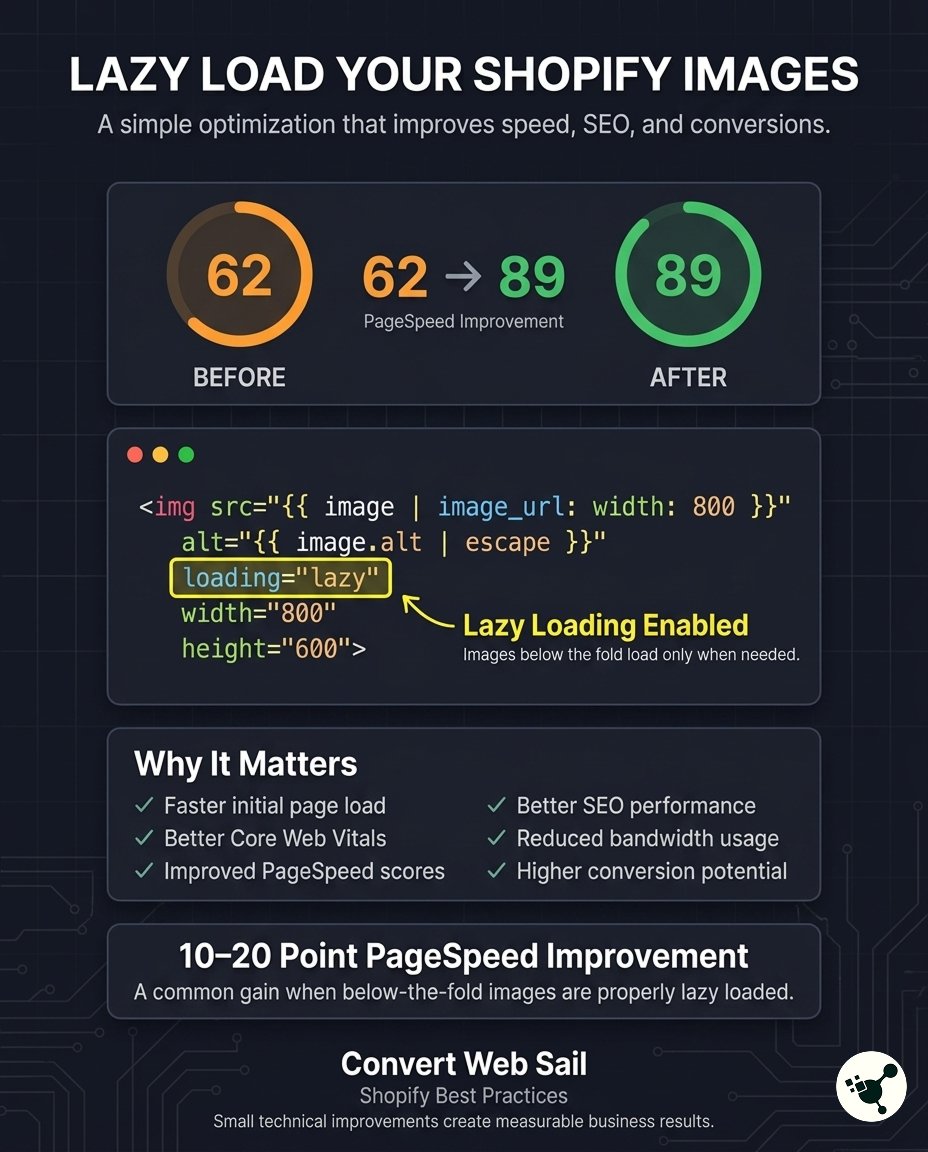
Add loading="lazy" to every image that isn't in your hero section:
<img
 src="{{ image | image_url: width: 800 }}"
 alt="{{ image.alt | escape }}"
 loading="lazy"
 width="800"
 height="600"
>
Why This Works
Lazy loading tells browsers to only load images when users scroll near them. Instead of downloading 20 product images at once, the browser loads just the visible ones.
This dramatically reduces:
According to Google, implementing lazy loading can reduce initial page load times by up to 50% for image-heavy pages.
- Initial page load time
- Bandwidth usage
- Time to interactive
Where to Apply This
Add lazy loading to:
- Product grid images
- Gallery images
- Footer images
- Testimonial photos
- Any image below the fold
Don't add it to:
- Hero images
- Logo
- Critical above-the-fold content
Implementation Steps
- Open your Shopify theme editor
- Find your product template files (usually in
sections/ortemplates/) - Locate image tags
- Add
loading="lazy"to each img tag below the hero - Test with PageSpeed Insights
Expected Results
This single change typically improves PageSpeed scores by 10-20 points. Better scores mean:
- Higher search rankings
- Faster user experience
- Better conversion rates
- Lower bounce rates
The best part? This takes 10 minutes to implement and works immediately.
Want the full playbook? Read our guide on Ecommerce SEO Quick Wins: Rank Higher in Days.