 PocketSEO
Use AI to fix PageSpeed Insights issues in minutes

Hridoy Reh @hridoyreh
Key Takeaway
Run your site through PageSpeed Insights, copy the list of issues it flags, and paste them into an AI coding tool to generate fixes. This approach works well for render-blocking scripts, image optimization, unused CSS, and cache headers. What used to require hours of developer work can be resolved in under an hour. Always test AI-generated code in a staging environment before deploying. Page speed affects Core Web Vitals, which Google uses as a ranking signal.
What is the fastest way to fix PageSpeed Insights warnings?
PageSpeed Insights hands you a prioritized list of exactly what's slowing your site down. Most people read it, feel overwhelmed, and close the tab. A quicker approach: copy those issues straight into an AI coding tool and let it write the fixes.
Here's the workflow:
- Go to PageSpeed Insights and run your URL
- Scroll to the "Opportunities" and "Diagnostics" sections
- Copy the problem descriptions — all of them
- Open an AI coding tool (Cursor, GitHub Copilot, ChatGPT with code, or similar)
- Paste the issues and ask it to generate the fixes for your specific stack
- Review the output, test locally, then deploy
What used to take a developer half a day now takes under an hour, including review time.
Which PageSpeed issues does this work best for?
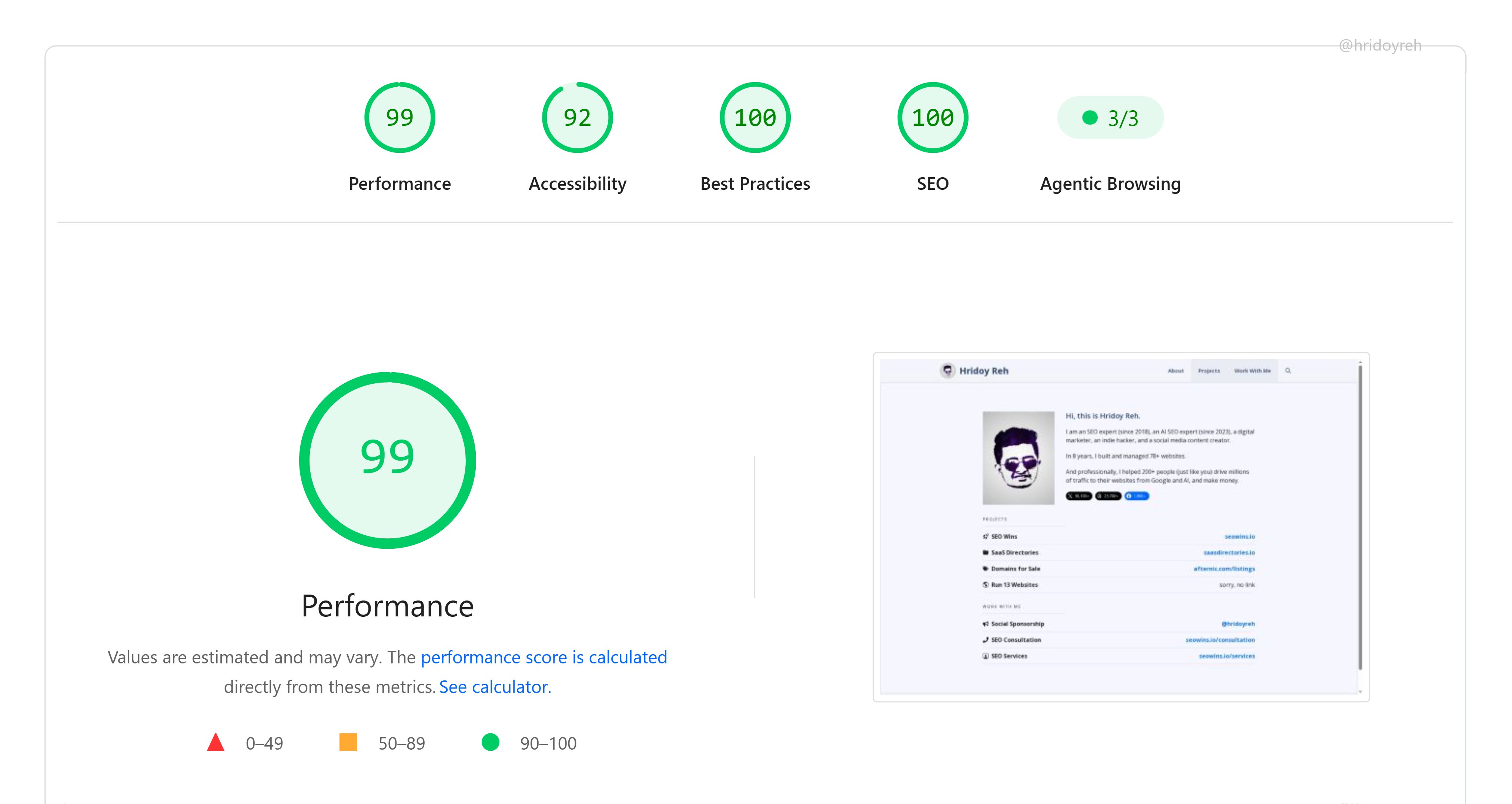
AI coding tools handle the mechanical fixes well:
- Render-blocking resources — moving scripts to defer or async
- Unused JavaScript and CSS — identifying dead code to remove or lazy-load
- Image sizing and format — converting to WebP, adding width/height attributes
- Missing cache headers — writing the correct server config or .htaccess rules
- Largest Contentful Paint (LCP) element — preloading hero images or fonts
They're less reliable for architectural issues like third-party scripts you don't control or CMS plugin conflicts. Those still need a human eye.
Why does page speed matter for SEO?
Google confirmed Core Web Vitals as a ranking signal in 2021, and speed is central to that. According to Google's own research, pages that load within two seconds see significantly lower bounce rates than those taking five or more seconds. Faster pages also tend to earn more crawl budget, which matters if you have a large site.
A PageSpeed score isn't the direct ranking factor — the underlying field data (real user measurements in Chrome) is what Google uses. But improving your score almost always moves the field data in the right direction.
Should you fix issues manually instead?
If you're comfortable in code, manual fixes give you more control and you'll understand exactly what changed. That matters for debugging later.
But if you're a solo founder or a small team without a dedicated developer, the AI-assisted approach gets you to a working fix faster. Treat the AI output as a first draft: read it, understand what it's doing, test it in a staging environment, then ship.
Don't paste AI-generated code directly into production without testing. That's the one step worth slowing down for.
Want the full playbook? Read our guide on 30 ChatGPT Prompts for SEO: Copy-Paste Templates for 2026.